 Thumbnail Preflight
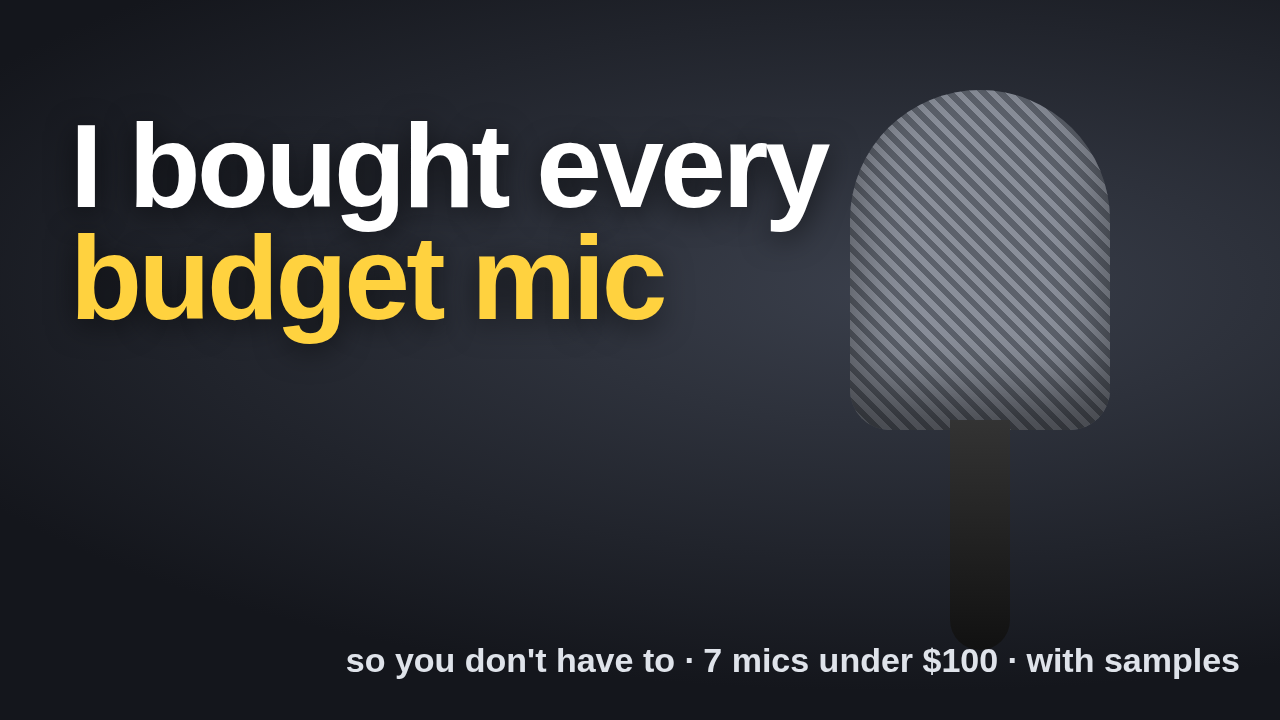 14:22
14:22See it at the size they'll see it.
Drop a thumbnail and a title. See them at YouTube's real pixel sizes, light and dark, beside other videos, before you upload. Nothing leaves your browser.
14:22168 by 94 pixels. The suggested sidebar at YouTube's size: your 1280×720 export at an eighth of its width, the title at 14 px, cut where the browser cuts it. Stacked here to fit the phone; on YouTube the title sits to the right of the thumbnail.
Preflight your thumbnail
YouTube, light mode
14:22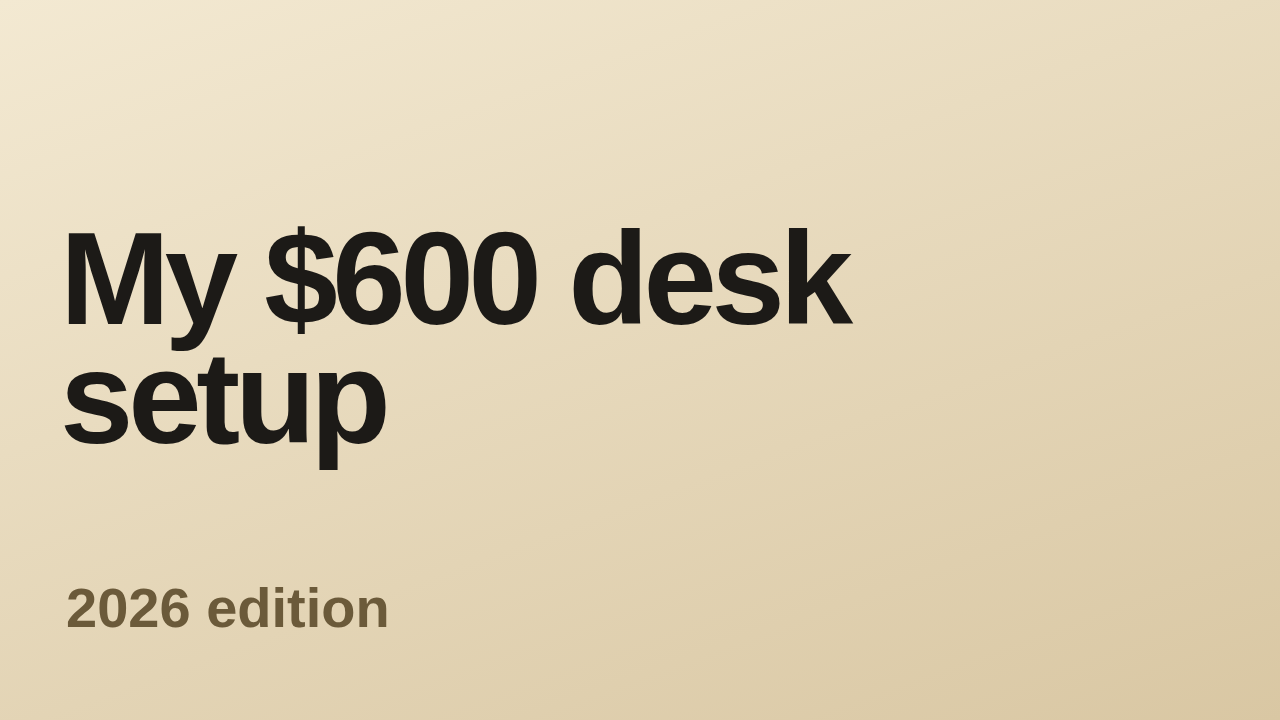 9:41
9:41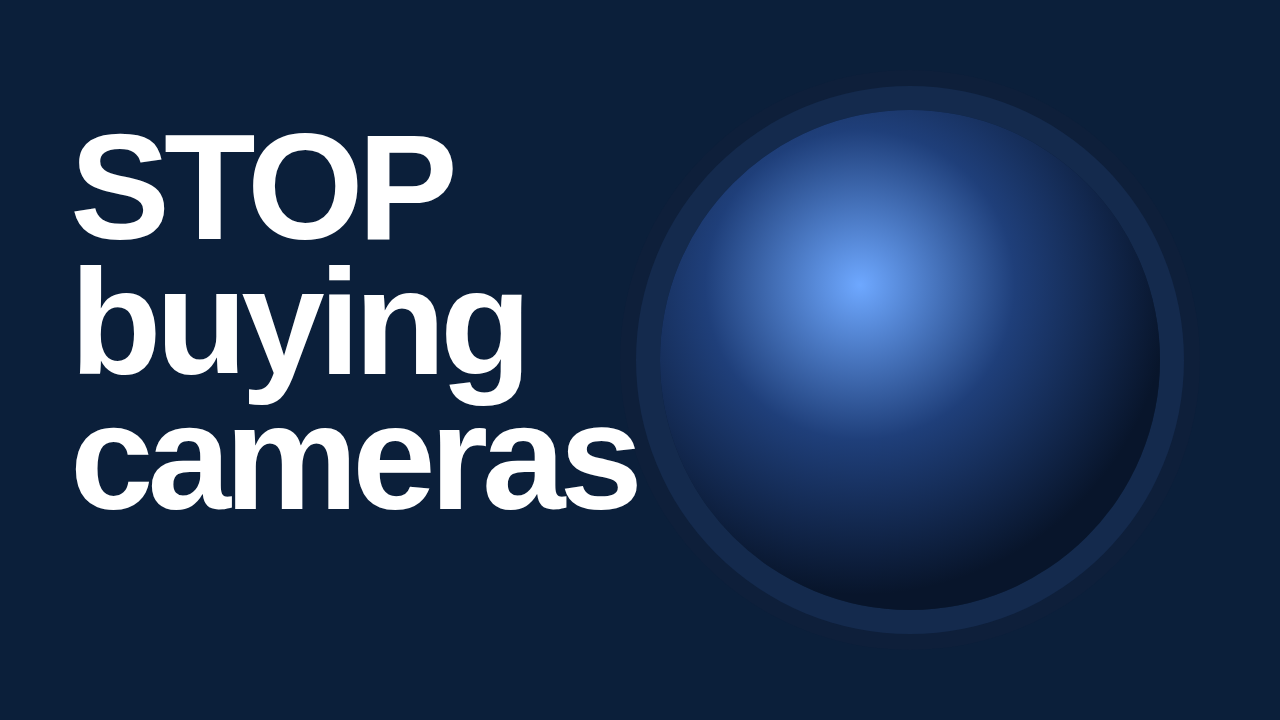 11:08
11:08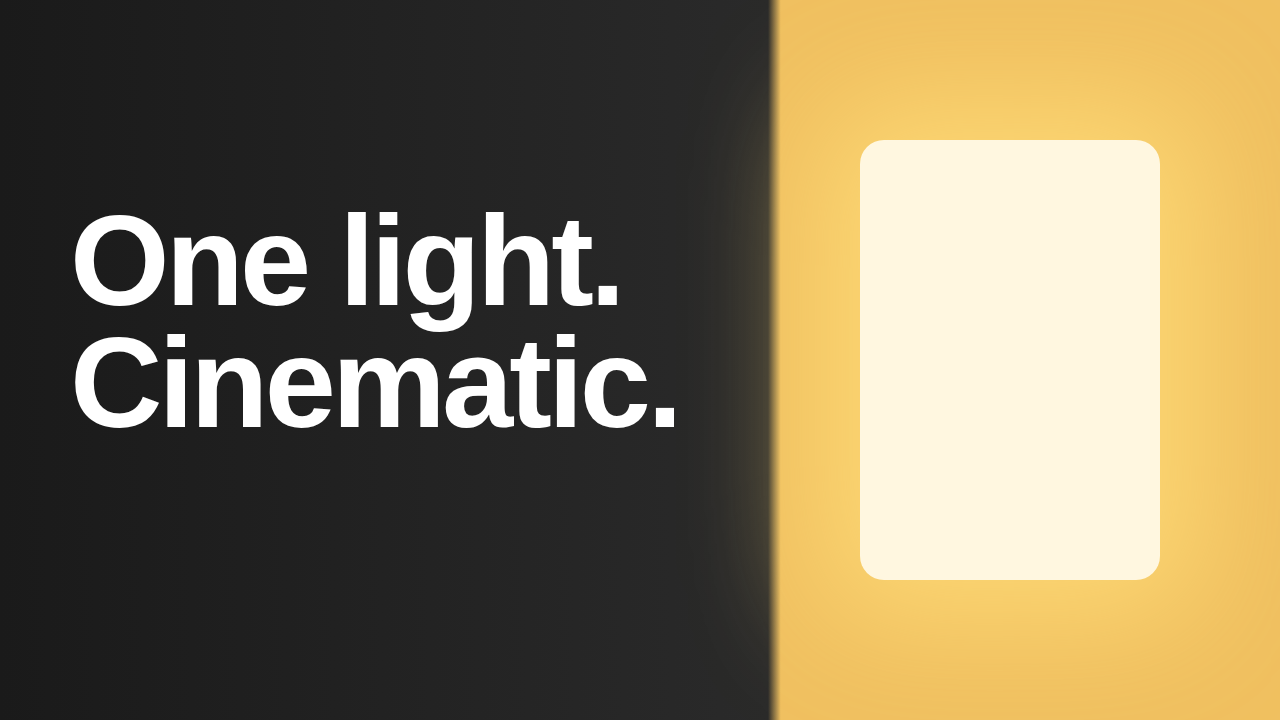 6:52
6:52Measuring the title…
I bought every budget mic so you don't have to — 7 under $100, tested with samples hidden:
Title on the other surfaces
- Phone home feedmeasuring…
- Suggestedmeasuring…
- Desktop searchmeasuring…
Channel, length, neighbours
Neighbours, up to 3Showing the three sample neighbours.
Can you read the words? Can you tell what it is? Your call.
What was measured, and against what
sample-mic.png, ours, 1280×720, shown on Desktop home at 300×169; title 16 px, 2 lines, cut where the browser cuts it.
Checked against 1280×720, 16:9, under 2 MB; a title under 100 characters; edge contrast against both feed grounds, white and #0f0f0f.
Not measured: whether it gets the click. For that, run YouTube Studio's Test & Compare.
See where the title is cut, and what YouTube draws over.
Every number the tool reports is a measurement: the title cut is where the browser cut it, the checks are YouTube's upload specs, the surface sizes are YouTube's, as of September 2026.
1Duration badge, bottom right. Whatever is under it is covered on every surface: the sample's caption is, and the tool says so.
2Watch later and queue, top right.
3Progress bar along the bottom, for anyone who has started the video.
The whole tool is free.
A thumbnail and title on all four surfaces, both themes, every check, the 168-px look. Nothing uploaded, no account, nothing withheld.
Everything $24 a month
Every paid Avyth tool: Playback Check, Invoice Splitter, Statement Insight and the rest; any single one is $5 on its own. This one stays free.
How it unlocks
Sign in and it unlocks, or paste your key once per device. Cancel from your account.
Predictions, privacy and limits.
Does it predict how many people will click?
No, on purpose. A predicted click-through rate is an opinion with a decimal point; you cannot check it and it cannot learn from being wrong. YouTube Studio's Test & Compare runs a real A/B test against real viewers — use that for the verdict. This tool makes sure what you send to that test is legible and intact.
Is my thumbnail uploaded?
No. The image is read into a canvas in your browser for the measurements and shown from your device's memory. Close the tab and it is gone. The only thing that ever leaves is an email address, if you type one into the subscription form.
How exact are the surfaces?
The thumbnail sizes and title sizes are YouTube's web and mobile layouts as measured in September 2026; they change a few pixels a year and this page is updated when they do. The typeface is this page's, not Roboto, so truncation can differ by a character or two. The layout dimensions are the point.
What are the overlay outlines?
Where YouTube draws its own interface over your thumbnail: the duration badge bottom-right, the watch-later and queue buttons top-right, and the red progress bar along the bottom for anyone who has started the video. Anything you put there is covered on every surface.
What are the limits?
One image up to 20 MB (YouTube's own limit is 2 MB, and the tool tells you when you are over it). PNG, JPEG, WebP or GIF. Up to three neighbour thumbnails, one candidate at a time. The whole tool is free; a side-by-side variant comparison is planned and is not sold yet.
Drop yours in and read it at 168.
Every surface, both themes, the cut measured. Nothing leaves your browser.